
Create more video ads.
Start with these guides.
Learn how to swap a presenter, translate an ad with lip sync and compare your results. Each guide shows the steps in AdHype, using an existing video ad.
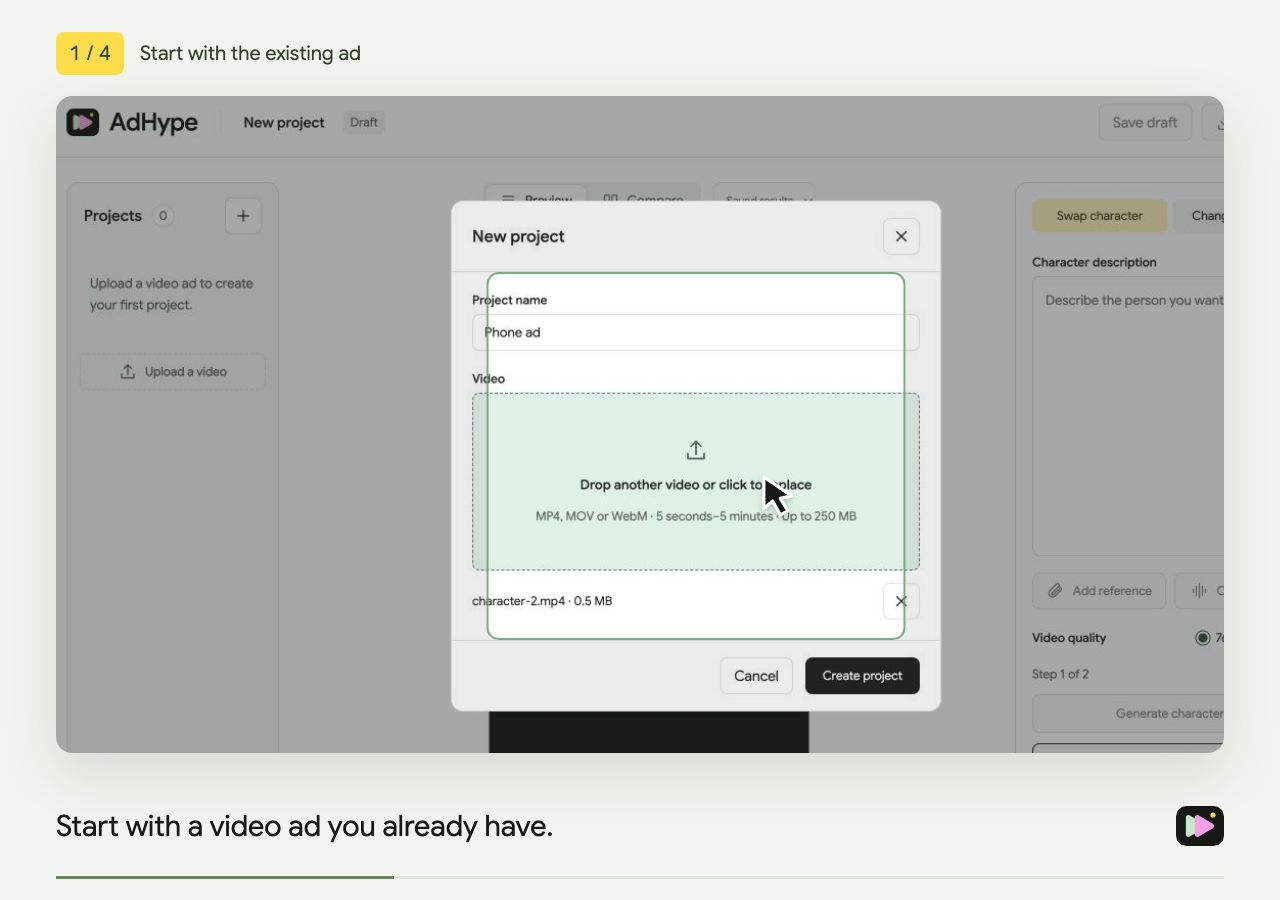
How to replace a person in a video ad
Replace the presenter in an existing video ad. Select a section, describe the new character, review the still and compare the finished video.
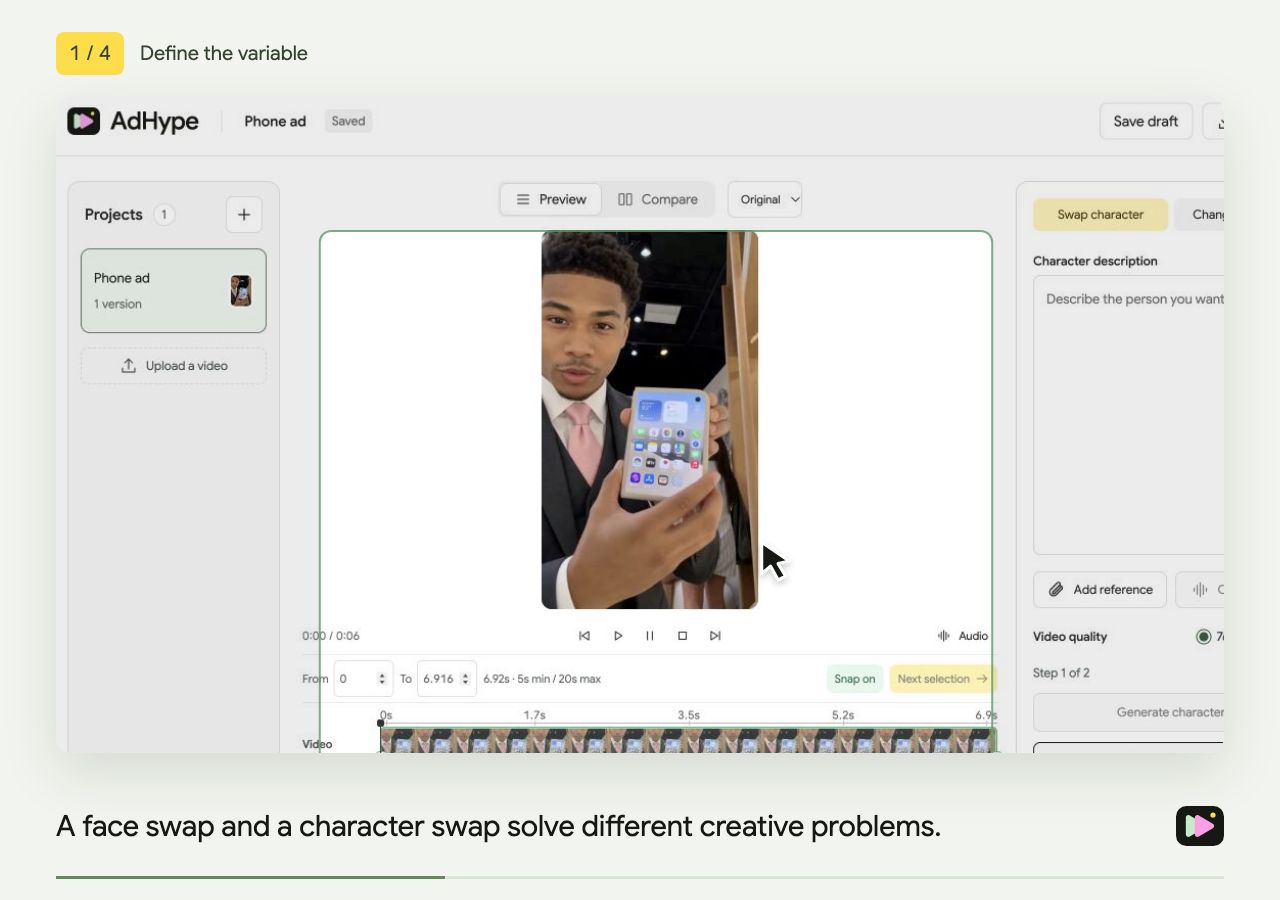
Face swap vs. character swap for video ads
Understand what changes in a face swap and a character swap, and choose the right approach for an existing video ad.
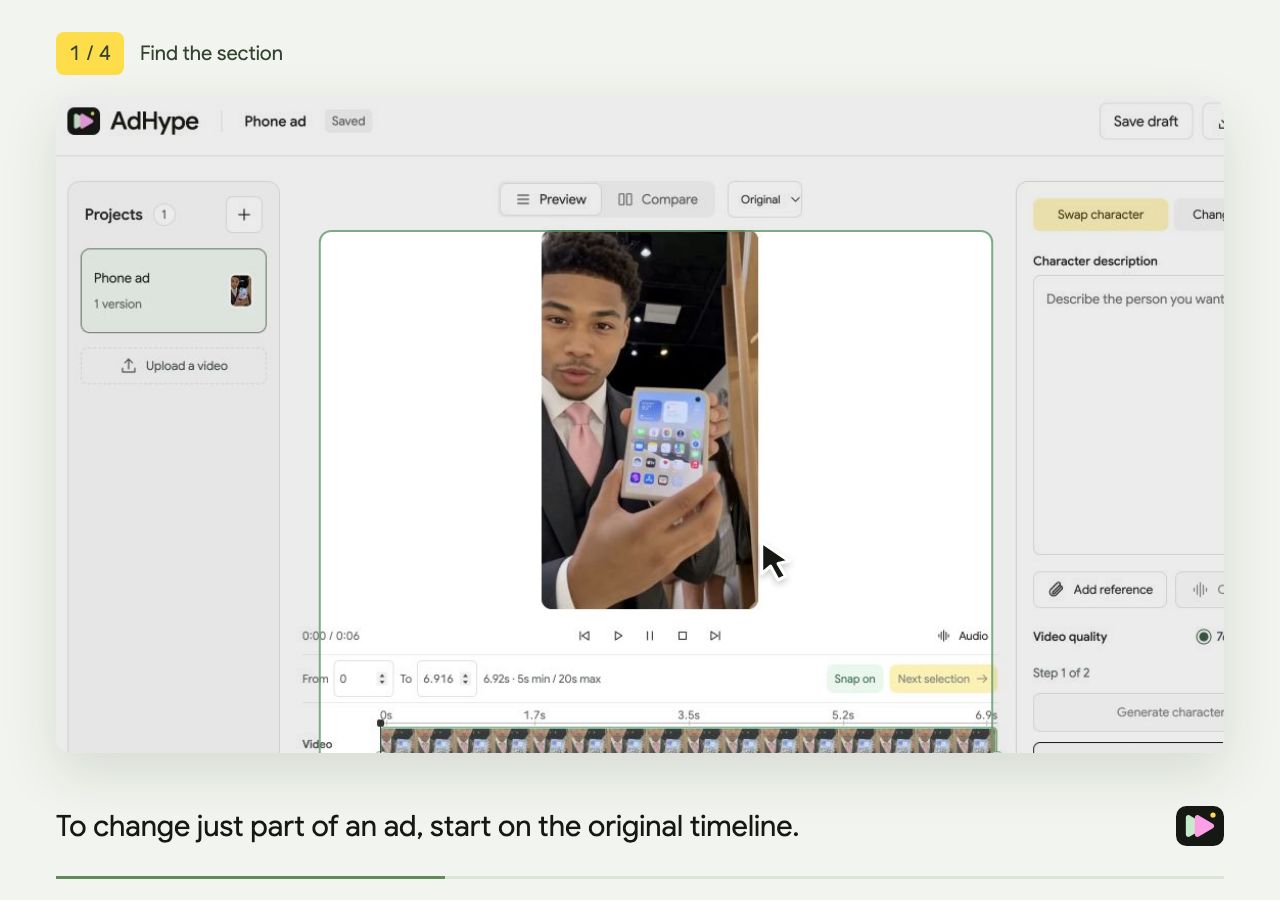
How to change a character in part of a video ad
Use the AdHype timeline to select a 5–20 second section for a character swap while keeping the surrounding video.
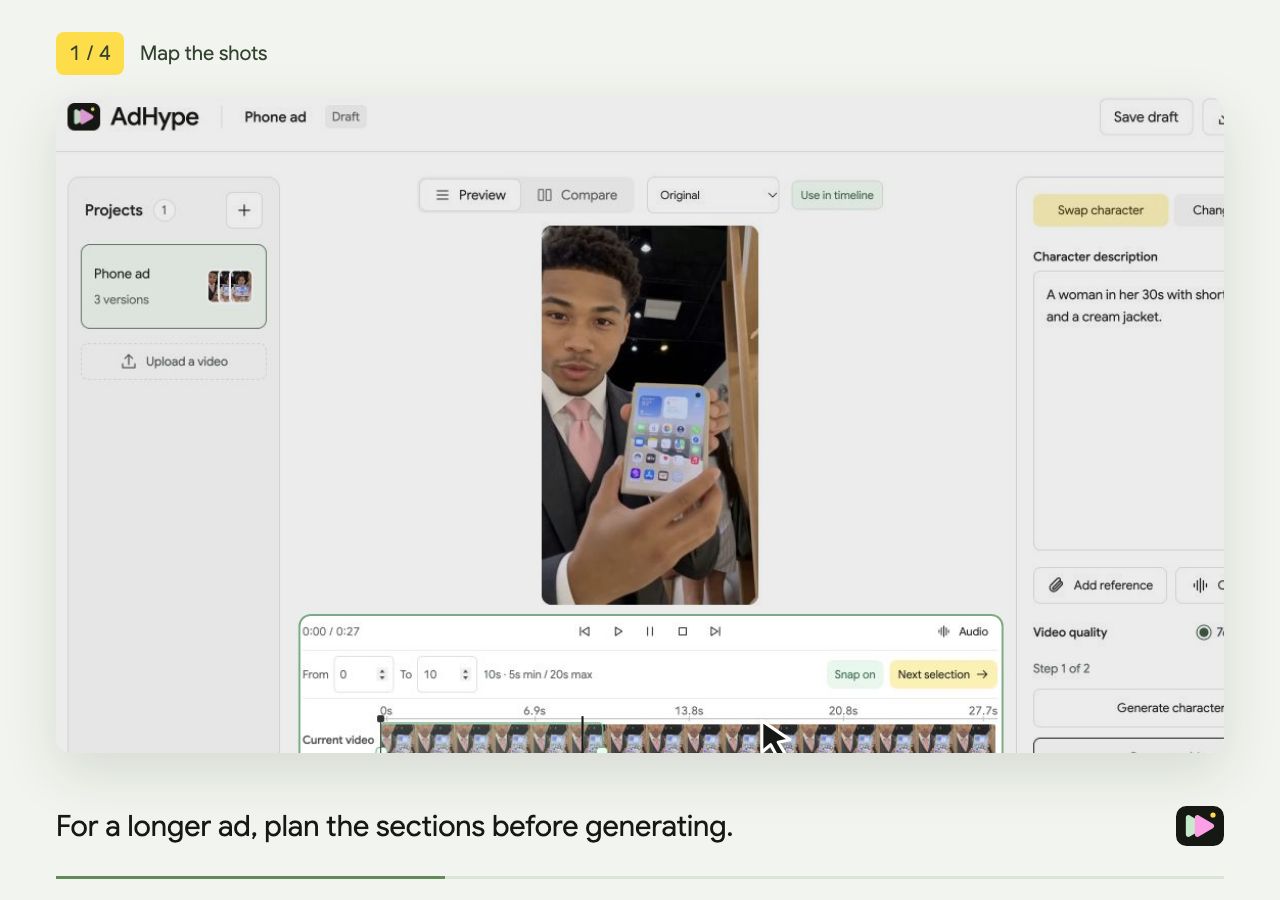
How to swap characters across a longer video ad
Plan adjacent character-swap sections, use snapping to keep boundaries aligned and review the assembled ad.
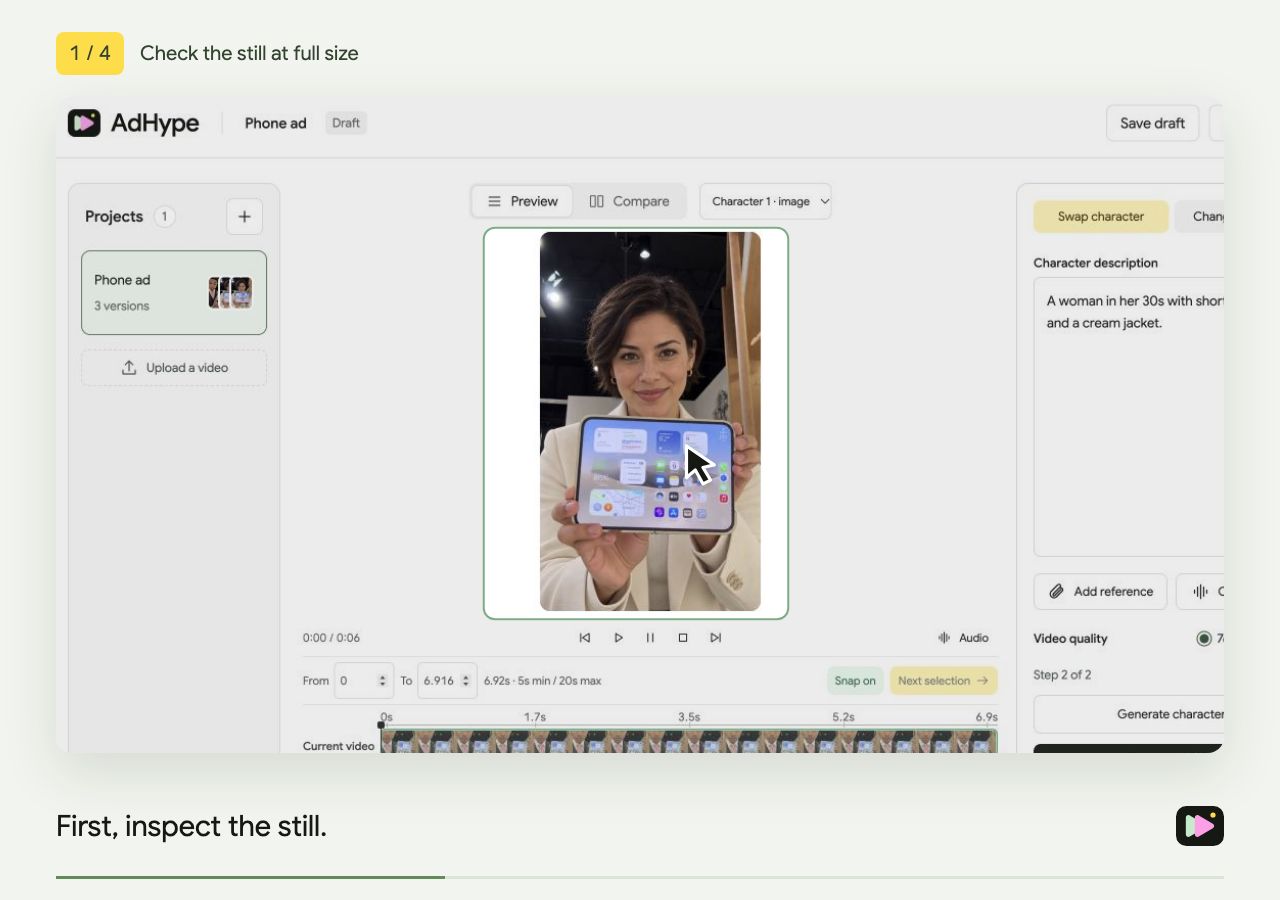
A quality checklist for AI character swaps
Review faces, hands, products, motion and section boundaries before publishing an AI character-swap video ad.
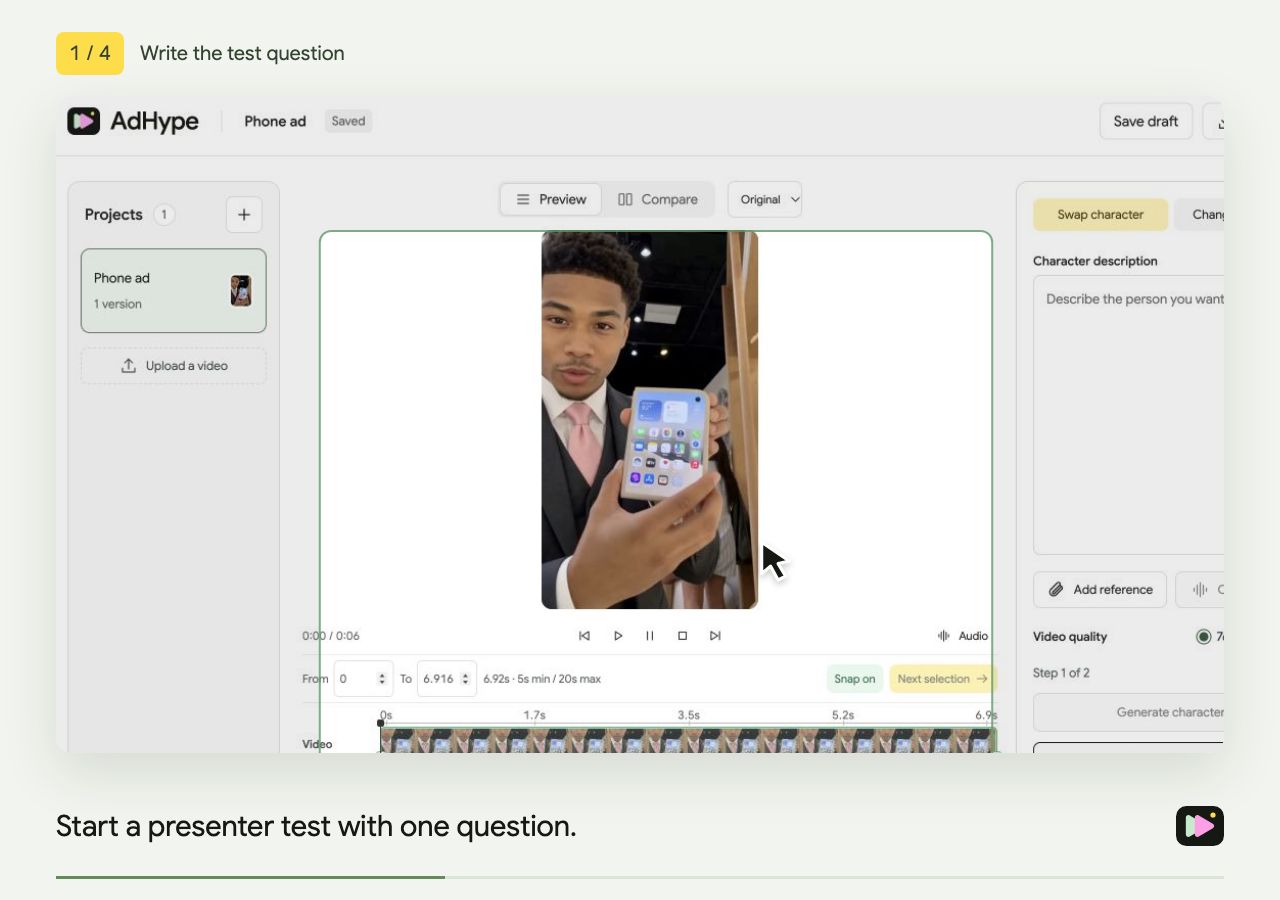
How to test different presenters in UGC video ads
Create presenter variations from one UGC video ad. Keep the script and offer consistent, compare the versions and plan your campaign test.
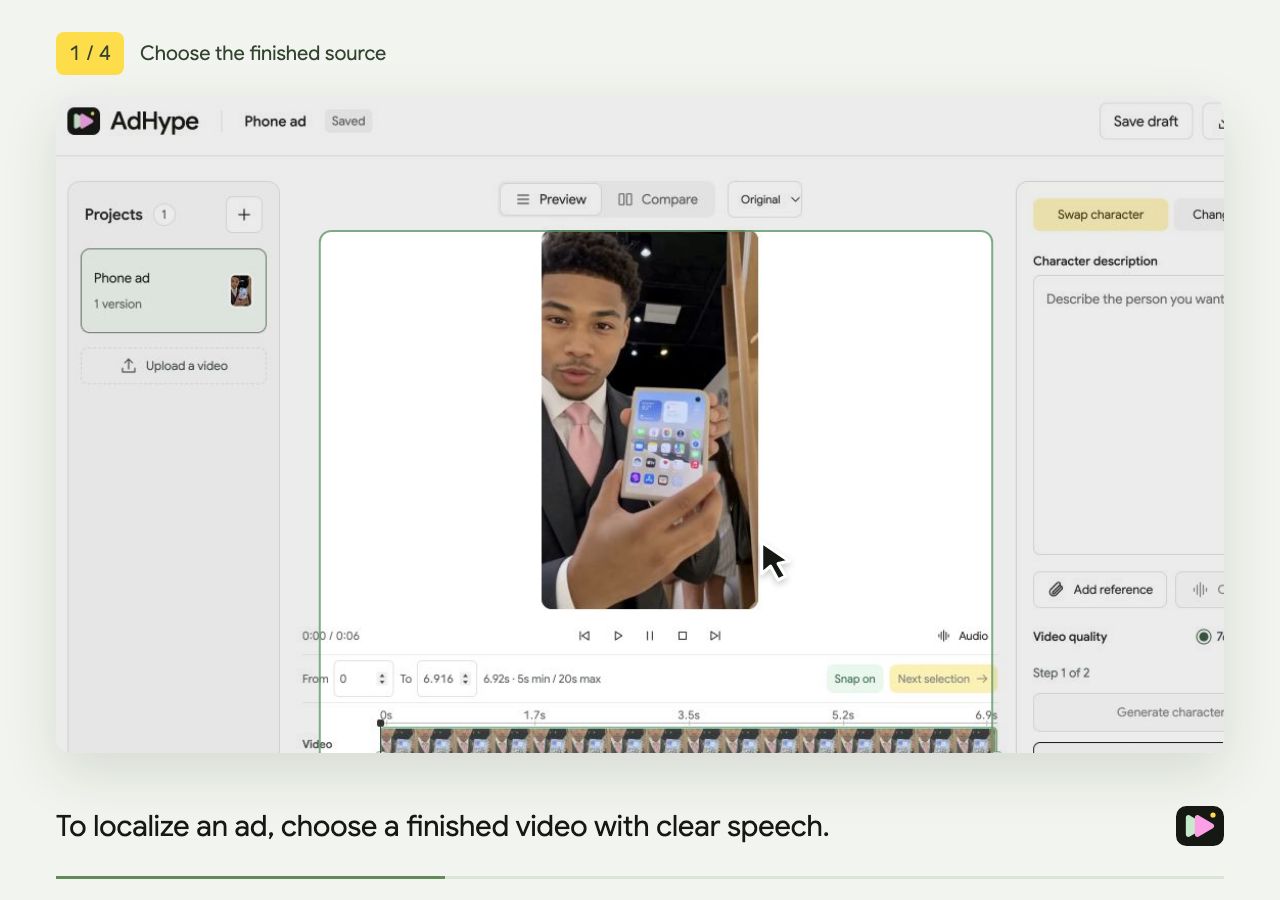
How to localize a video ad without reshooting
Translate an existing speaking ad, review voice and lip sync, and prepare the details that still need local review.
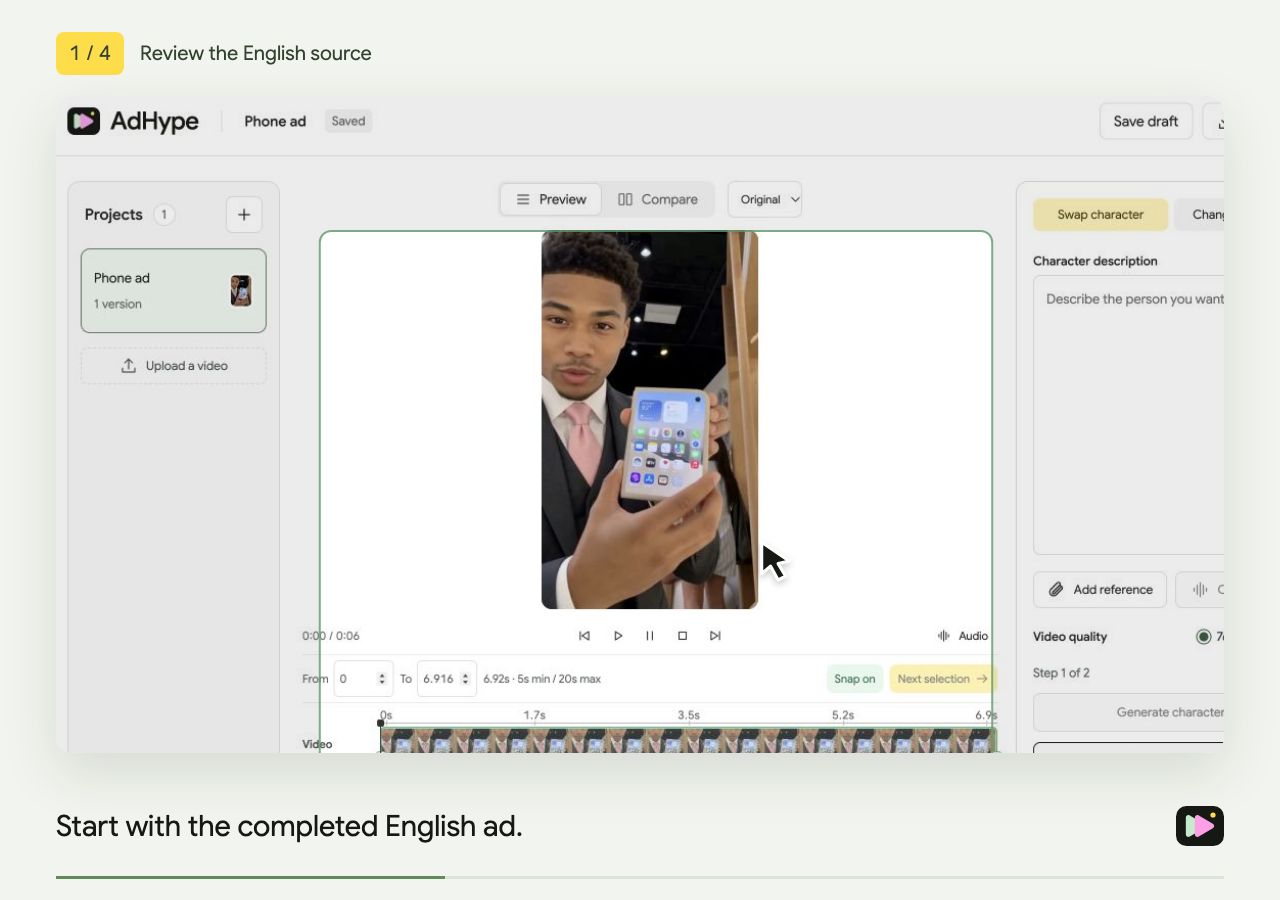
Translate an English video ad into Spanish
Choose the right Spanish language option, preserve product names and review the translated speaking ad before export.
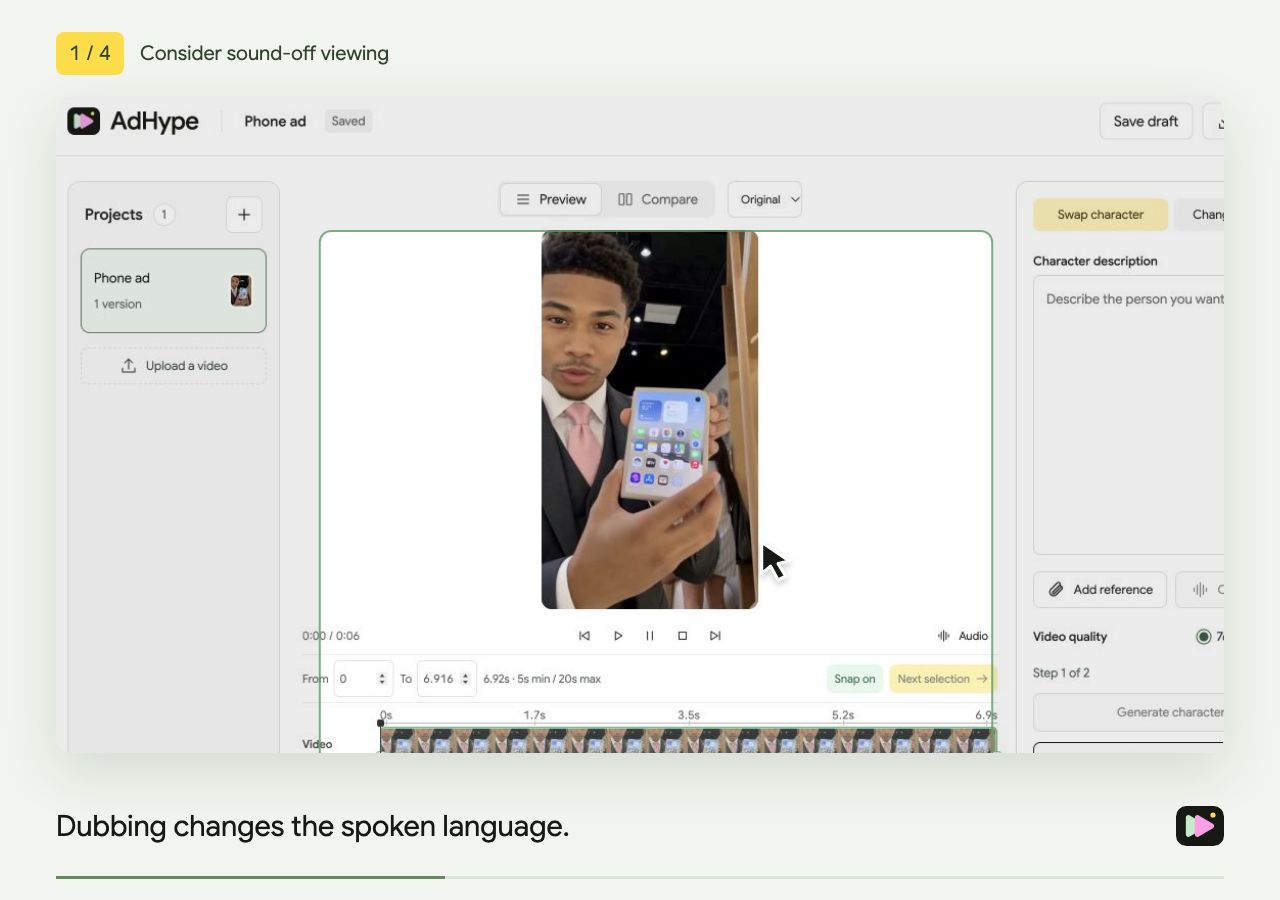
AI dubbing vs. subtitles for video ads
Compare translated speech and subtitles for video ads, including sound-off viewing, lip sync and local review.
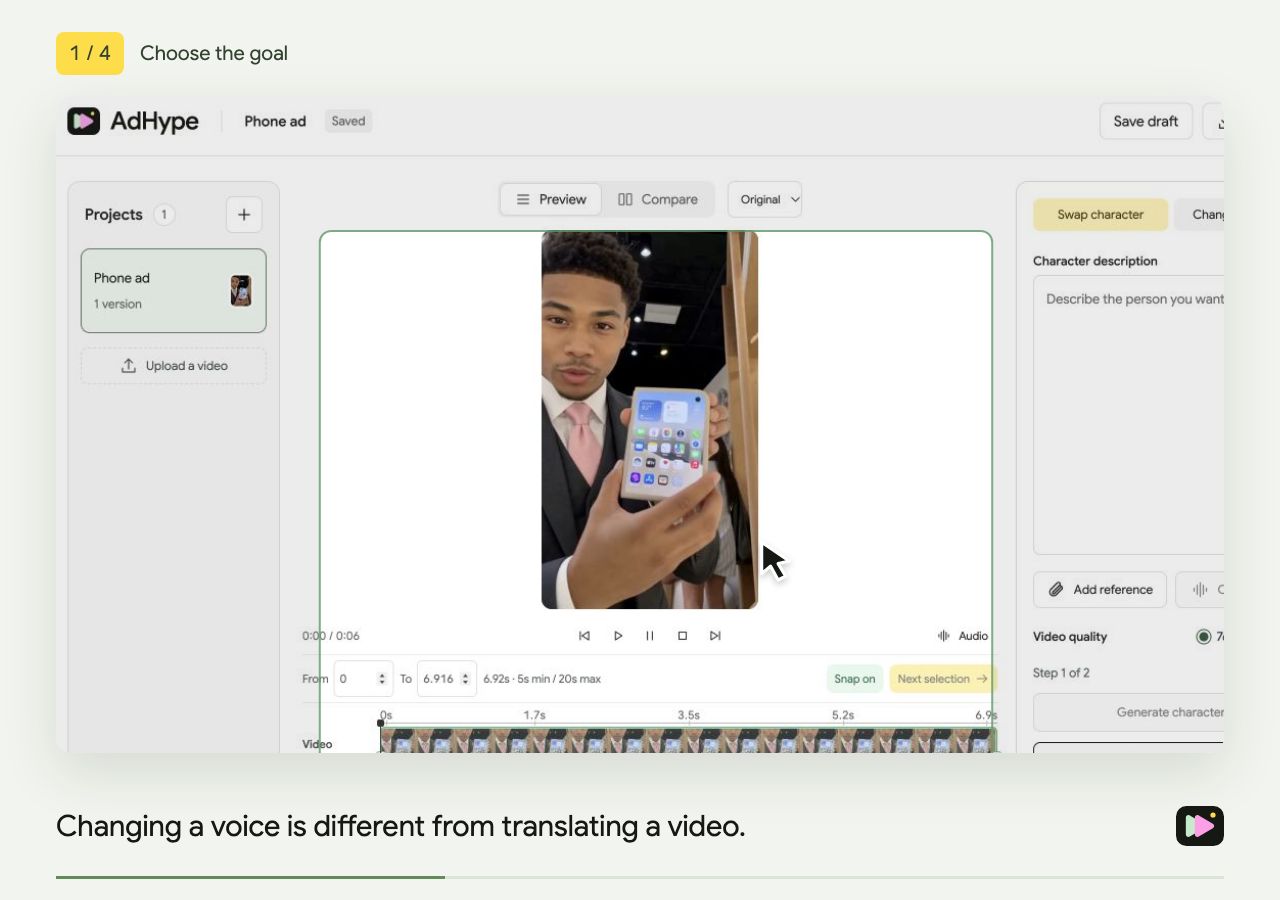
Changing a voice vs. translating a video
Choose Change voice for a different vocal identity, or Change language to translate the speech in an existing video ad.
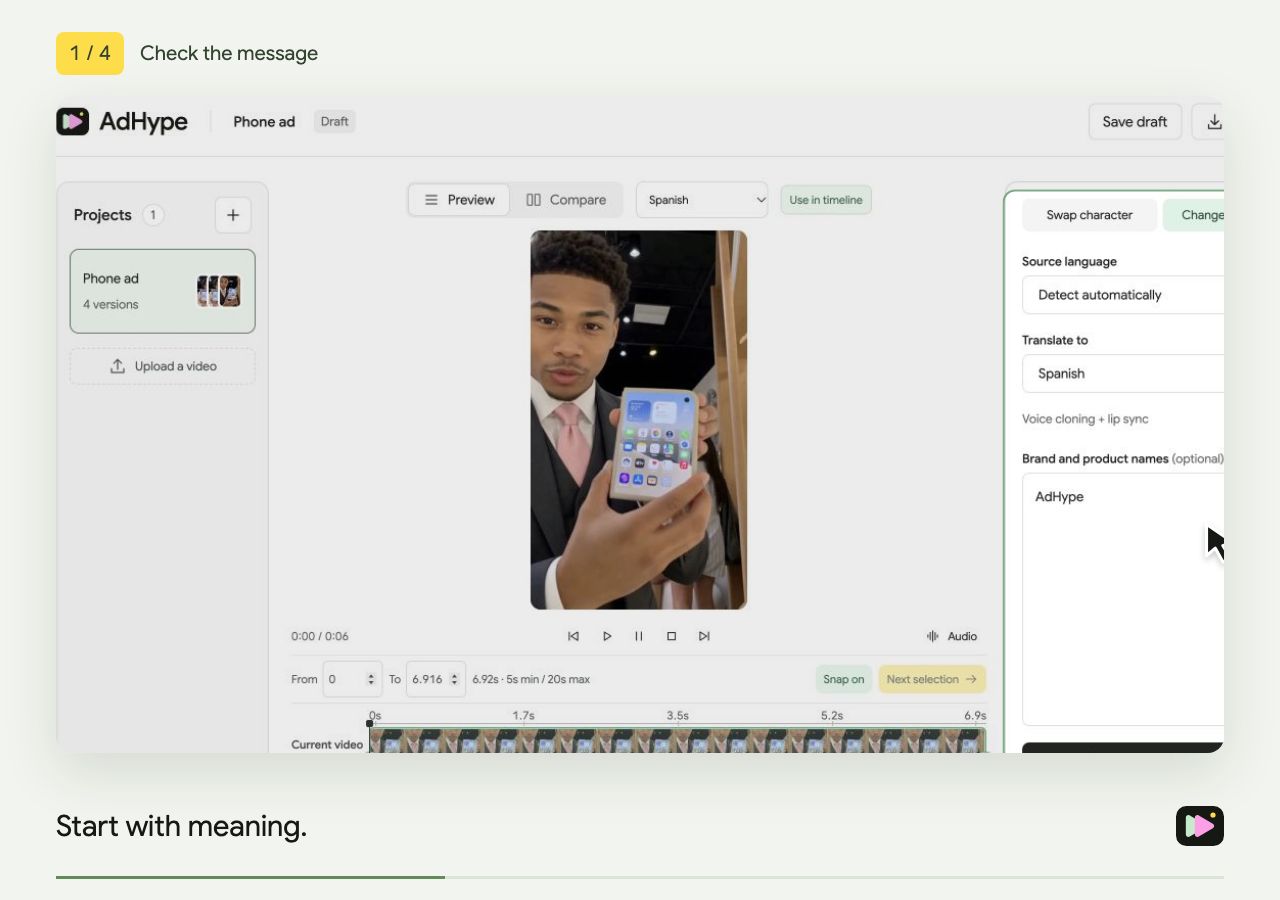
How to review an AI-dubbed video ad
Check translation meaning, voice, lip sync, product names and on-screen text before publishing an AI-dubbed ad.
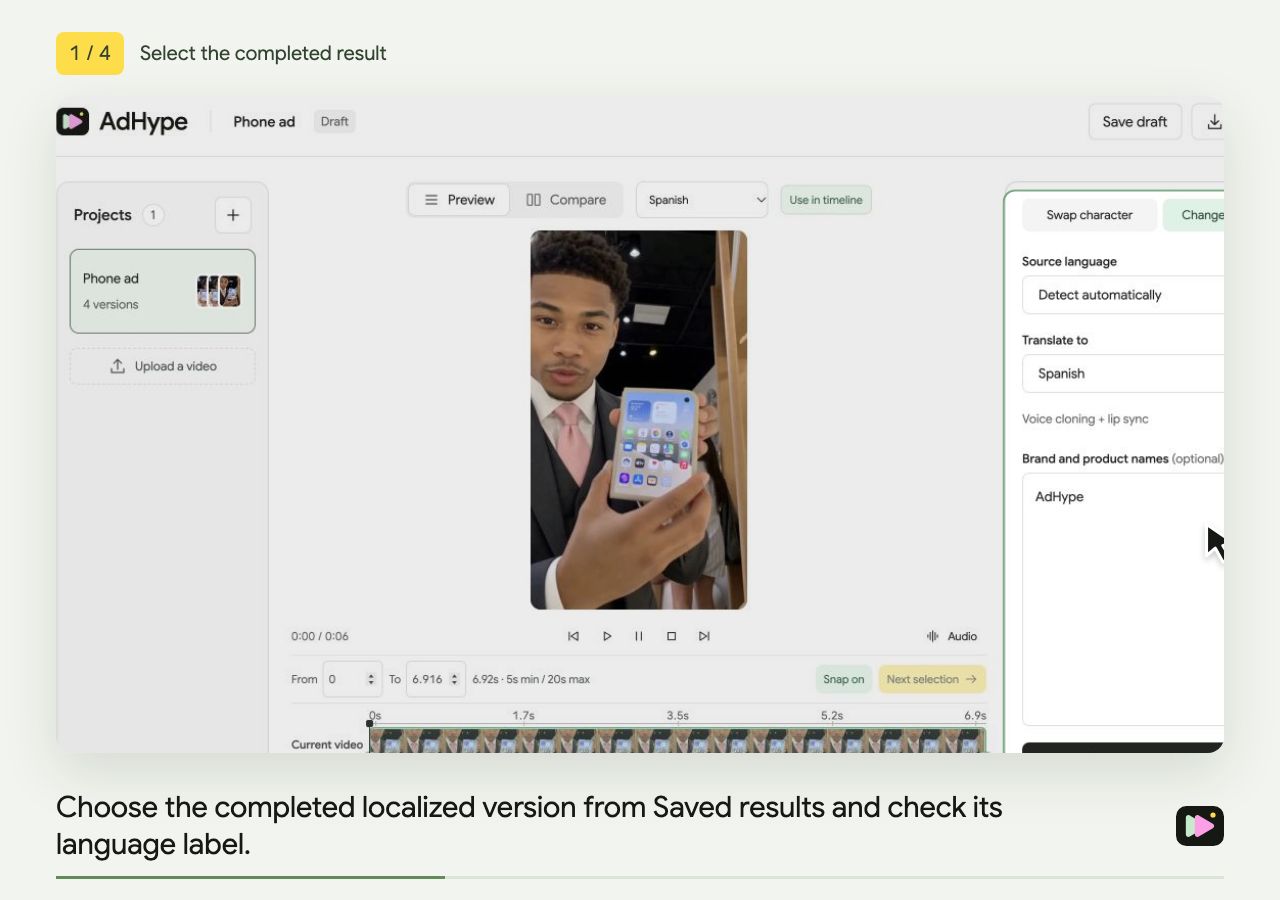
Compare an original ad with its localized version
Use side-by-side playback to review an original video ad and a translated version at the same point in the timeline.